
What UXMagic does
UXMagic is an AI design tool with four jobs: generate screens from a prompt, clone a website from its URL, turn a screenshot or a sketch into editable UI, and export the result to design and code. The free plan alone carries UI Design, Wireframe Mode, Flow Mode, Screenshot and Sketch to UI, Style Guide, Export Code, Figma import and Clone a site.
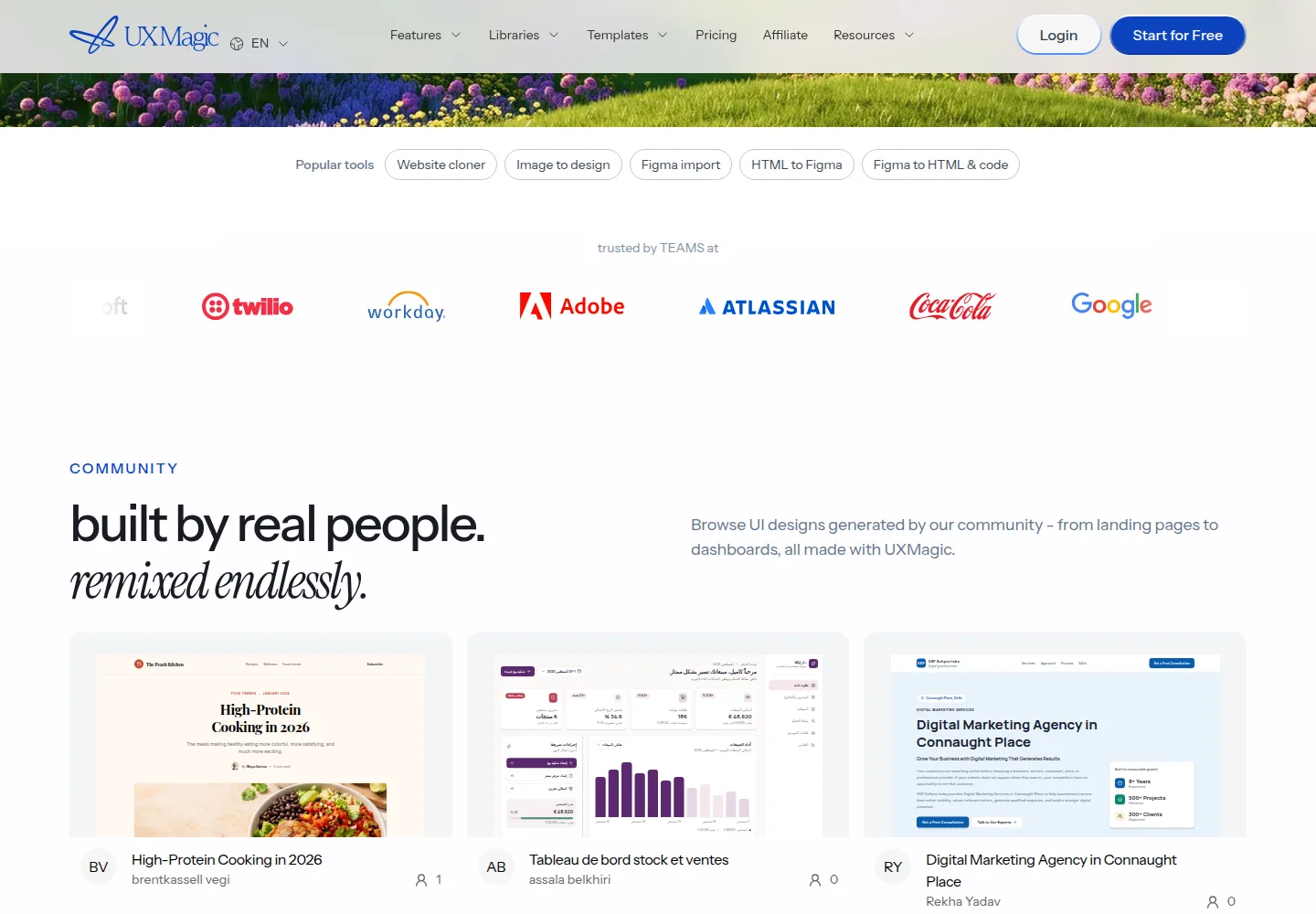
One detail changes the meter. Edit Mode edits text and images directly on the canvas with no credit and no AI call, so small fixes do not spend the pool. That is separate from generation, which draws on credits, and from Sectional Editing, which regenerates only the part you point at. Paid plans add Export Code in HTML, React and Tailwind, a Figma export, and publishing to Framer, Webflow and WordPress.
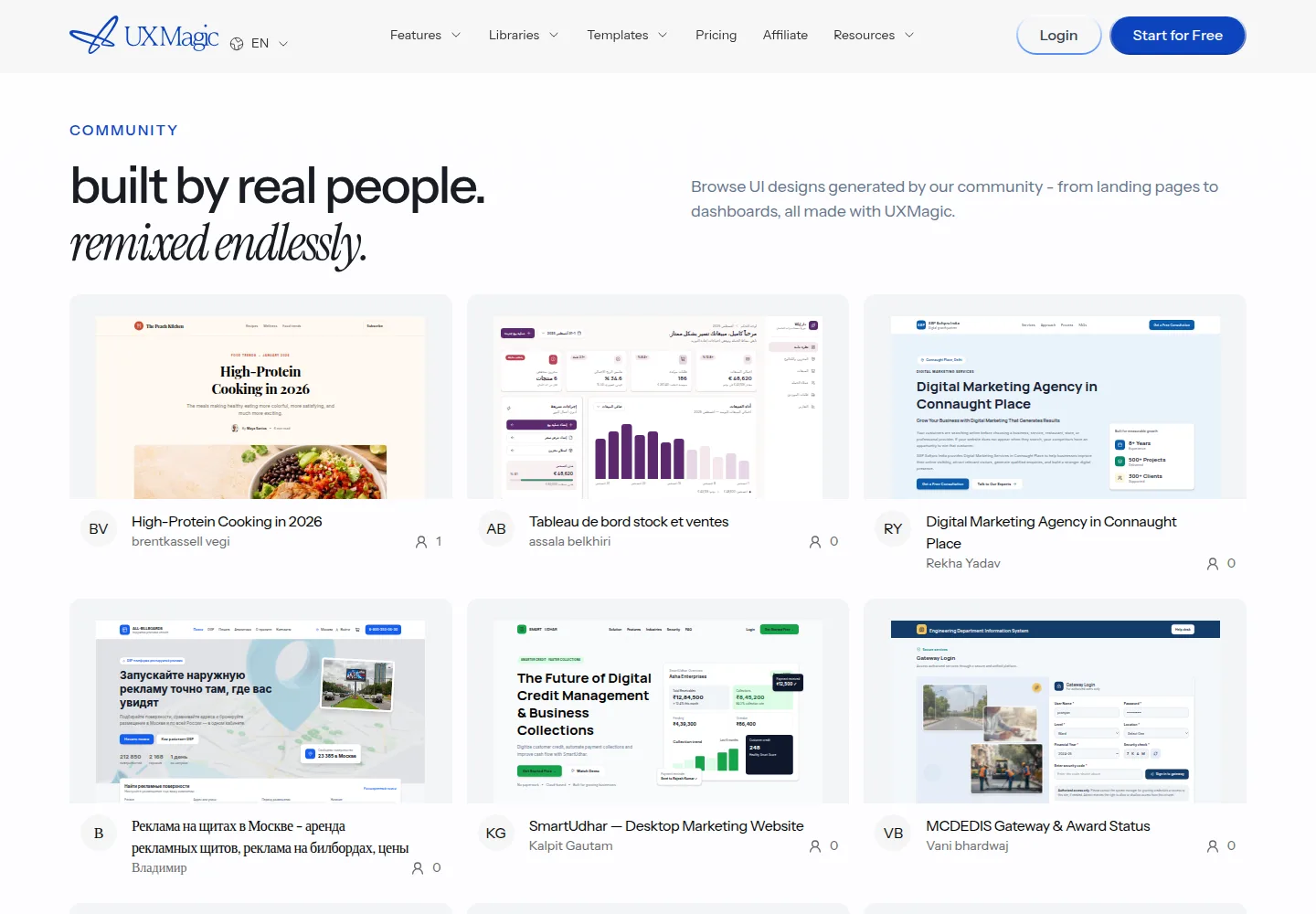
UXMagic sells to designers and product teams rather than to engineers, and the handoff is the reason: a screen can leave as a Figma file or as a code project without a rebuild. Above Pro, the team and enterprise plans add shared seats, a shared credit pool, SSO and a design system library. Teams that only need a one-off mockup are paying for a workflow they will not use.
What you get for the money
| Plan | Price | What is included | The limit that matters |
|---|---|---|---|
| Free | No charge | 20 credits every day, up to 3 screens a day, 5 projects, 1 Figma export, credits refresh daily, no card | 3 screens a day, and nothing carries over |
| Pro | $35 a month | 2,400 monthly credits, up to 400 screens, no daily limit, unlimited projects, 250 Figma exports, every Free feature unlimited | 400 screens and 250 Figma exports a month |
| Pro, annual | $17.50 a month, $210 for the year | The same Pro features, billed yearly | $210 up front to get the halved rate |
| Team and Enterprise | Custom pricing | Custom credits, team and security features, shared seats, SSO, custom credit allocation | No public price |
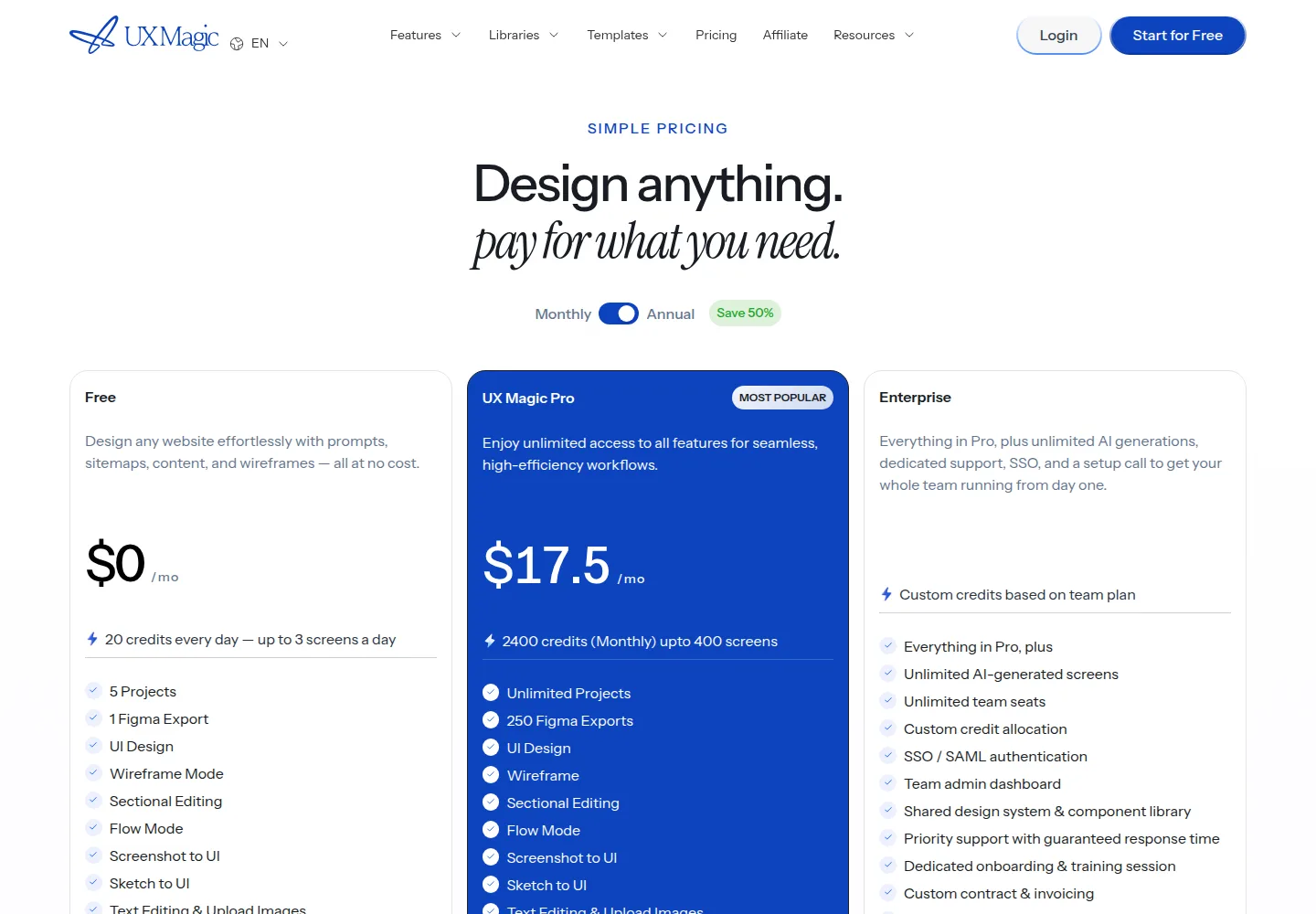
$35 a month buys 2,400 credits, which is about 1.5 cents a credit if you spend the pool inside the month. Paying for a year takes Pro to $17.50 a month, or $210 across the twelve months, half the $420 the monthly rate would cost over the same period. The free tier is separate and daily: 20 credits and up to 3 screens, refreshed the next day.
On this page
Where it falls short
- The free tier is a daily allowance, not a monthly one. Twenty credits and up to 3 screens a day throttle a burst of work, and unused credits do not roll over.
- Pro caps at 400 screens and 250 Figma exports a month. A team that designs every working day reaches those numbers, and no published tier sits between Pro and a quote.
- The annual rate only exists if you pay $210 up front. Month to month the rate is $35, double the $17.50 the plan cards lead with.
- Custom domains are paid-only and set up by request, so publishing a design to your own domain is not self serve.
- Team and Enterprise prices are not published. Budgeting above Pro needs a quote, and the team and security features arrive only there.
UXMagic alternatives
- Visily, $14 per editor a month on Pro, with 3,000 AI credits a month and a free tier at 300 credits. The closest match on interface design.
- Uizard, $12 a month on Pro with a free tier. An interface design tool too, and the cheapest entry of the three.
- Replit, $20 a month with no commitment, or $18 a month billed yearly. More a build-from-scratch environment than a screen designer.
Who it is for: UXMagic
For: designers and product teams who want to move from a prompt, a screenshot or a sketch to an editable screen, then hand off a Figma file or code without rebuilding the layout. The free tier suits anyone who wants to inspect the output before paying, because 20 credits a day is enough to test a few real screens. Pro suits a small team that wants no daily limit and unlimited projects, and the annual rate at $17.50 a month is the cheapest way to hold it for a year.
Not for: teams that push past 400 screens or 250 Figma exports a month, or that need to publish to a custom domain without contacting support. It is also not for buyers who want a public figure above Pro, since the team and enterprise plans are quoted on request. And it is not for a solo designer who needs one static mockup, because the free tier already covers that.
How we checked
We read the UXMagic pricing page, the help center and the privacy policy on October 3, 2026, and we loaded the plan grid in both its monthly and annual positions. We have not used UXMagic: we did not generate a screen, export code or time a Figma import. The fidelity of a Figma export and the credit cost of each action are not verified. When we pay for a plan and design screens on it, this page becomes a hands-on review at the same address.
What to do next
Start on the free tier and run one real screen through it, since 20 credits a day settles the output question before you pay. If the result holds up and you design every week, Pro at $35 is the month-to-month entry, and $210 for the year is the cheaper hold once you know you will stay. If you only need screens now and then, the free allowance may be enough. If you need more than 400 screens a month, compare Visily and Uizard, which sell interface design at a lower entry.
FAQ
How much does UXMagic cost? The free tier costs nothing a month. Pro is $35 a month, or $17.50 a month billed yearly at $210. The team and enterprise plans are custom.
Is there a free plan? Yes. UXMagic gives 20 free credits every day, up to 3 screens a day, with no credit card, and the credits refresh the next day.
What does Pro add over Free? A monthly pool of 2,400 credits, up to 400 screens, no daily limit, unlimited projects and 250 Figma exports.
Does UXMagic export code? Yes. Export Code ships HTML, React and Tailwind, and Figma import and Clone a site sit alongside it.
Can I use my own domain? Custom domains are available to paid plans and are set up by request rather than self serve.
Sources
Sources
- uxmagic.ai/pricing (checked October 3, 2026)
- uxmagic.ai/help (checked October 3, 2026)
- uxmagic.ai/legal/privacy-policy (checked October 3, 2026)
- uxmagic.ai/affiliate (checked October 3, 2026)
Update log
- Published October 3, 2026 as a research review. Prices last checked October 3, 2026, on the UXMagic pricing page. The reference price is the month-to-month rate, $35, because it is the one a buyer can leave after a month. See the UXMagic deals page and the tutorial for designing a screen from a prompt.