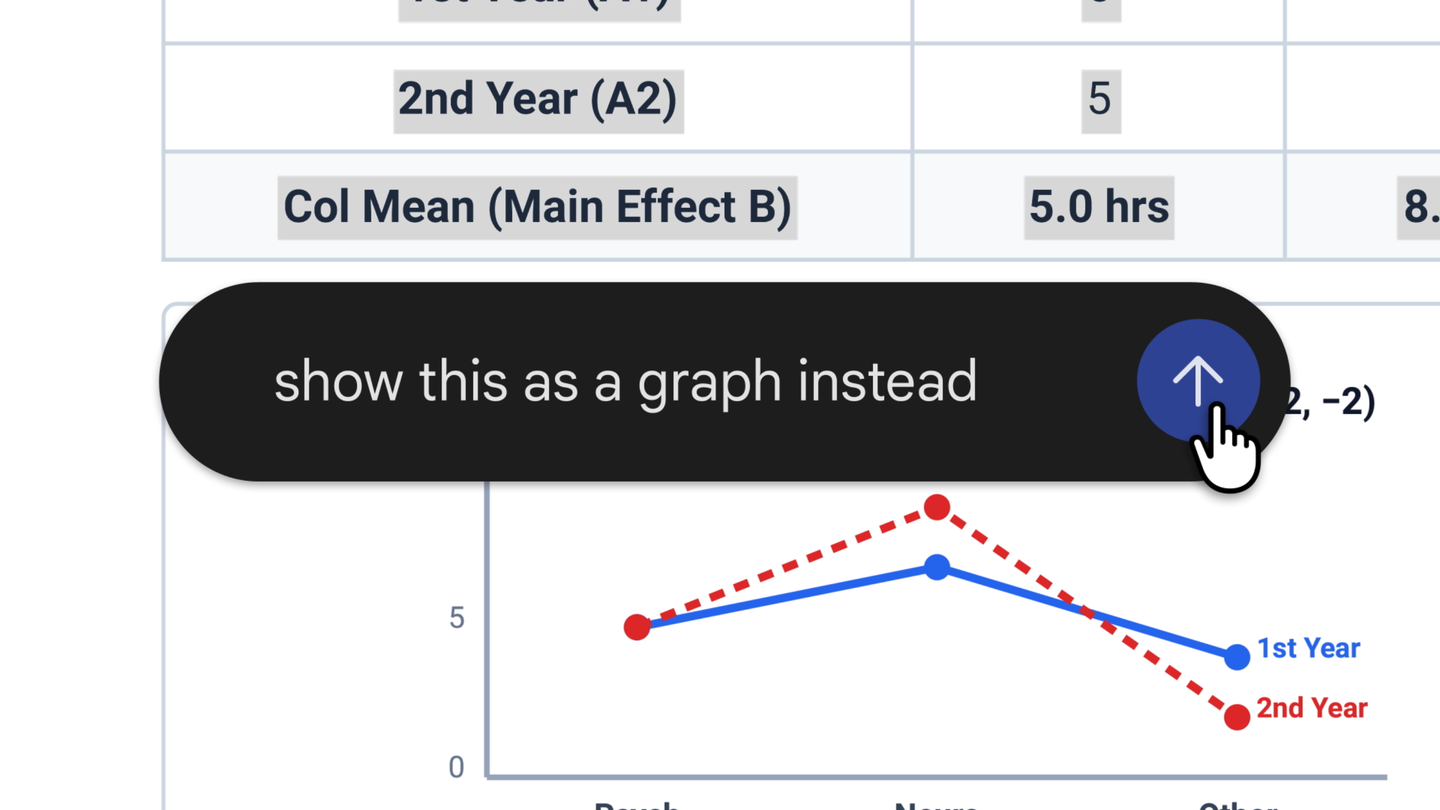
Google added file generation, preview and editing to the Gemini app on October 29, 2026, covering PDFs, Google Docs, Google Sheets, slide decks, Markdown files, TXT files and code. The work happens inside the conversation instead of in a separate editor, and Google says it is live for every user, in every language where the app is available.
What was actually released
This is an editor bolted onto a chat window, not a new model. Google’s page describes three ways to handle a file once it exists: expand it to full screen and type edits directly, highlight a passage to ask questions about it, or let Gemini refine the file on request. Generation, preview and editing now sit in the same place, which is the part that differs from the usual sequence of asking for a document, downloading it, and reopening it somewhere else.
The platform split carries the details that matter to a buyer. PDF is the only format that previews and edits on mobile as well as on the web. Everything else, and Google’s own list names Google Docs, Google Sheets, slide decks, Markdown files, TXT files and code, is web only.
| Format | Preview and edit | Where it runs |
|---|---|---|
| Yes | Web and mobile | |
| Google Docs | Yes | Web only |
| Google Sheets | Yes | Web only |
| Slide decks | Yes | Web only |
| Markdown files | Yes | Web only |
| TXT files | Yes | Web only |
| Code | Yes | Web only |
Format support exactly as Google lists it on the announcement page, read on October 29, 2026. The split matters more than the list: only PDF is usable away from a desktop.
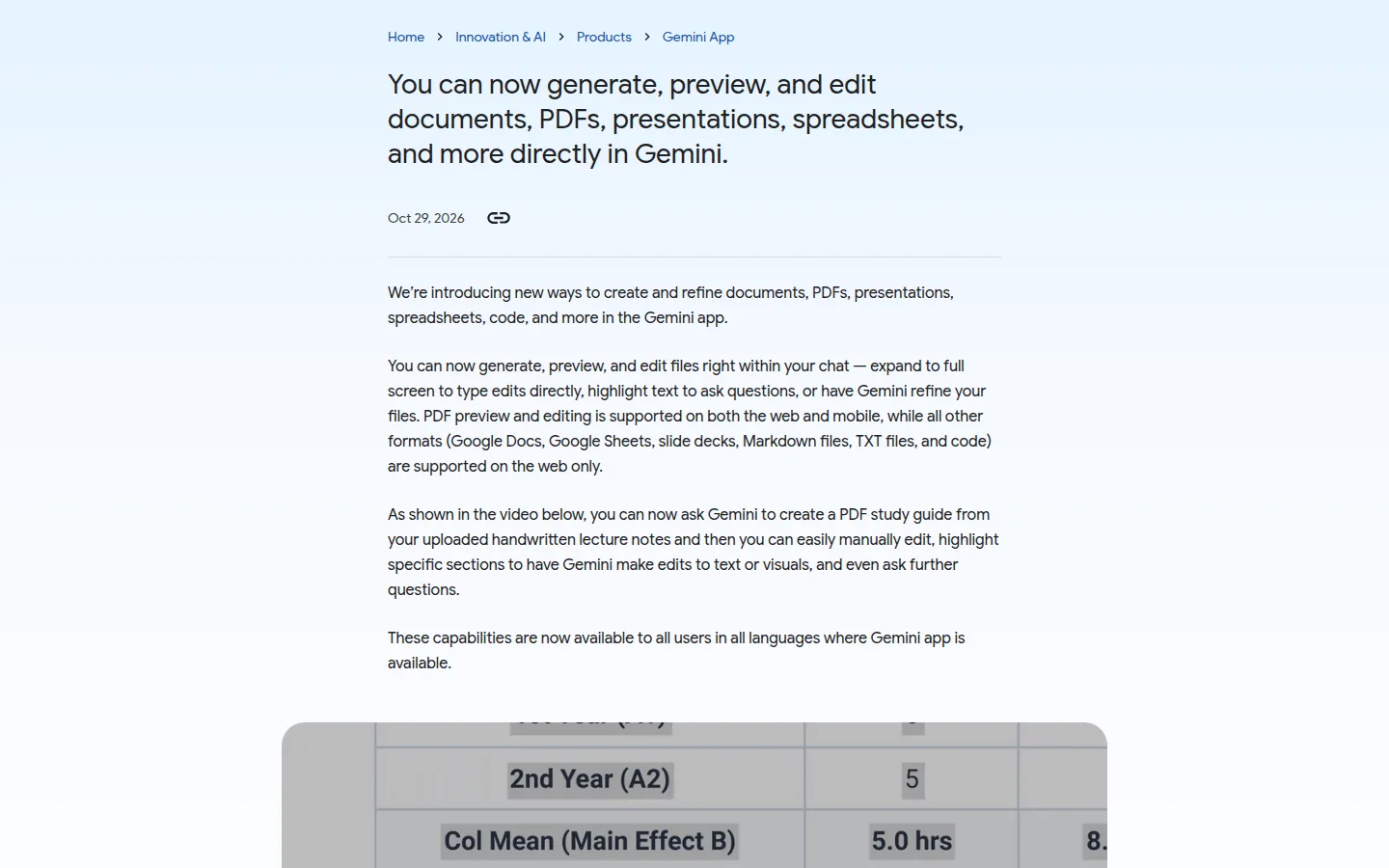
The one worked example on the page is a PDF study guide built from handwritten lecture notes. You upload the notes, ask for the guide, then edit it by hand, highlight sections to have Gemini change text or visuals, and keep asking follow-up questions. It is a demonstration rather than a case study, but it describes a loop people already run by hand across three apps.
What the page commits to
- PDF preview and editing on both the web and mobile.
- Six other formats that preview and edit, all on the web only.
- Availability for all users, in all languages where the Gemini app exists.
What the claim rests on
The page makes no measured claim. No benchmark, no accuracy figure, no time saved, no user count, no before and after comparison with the previous behavior. A workflow feature cannot be scored the way a model can, so it is not scored here, and that is fair as far as it goes.
The only verifiable statement on the page is availability, and it is a broad one. Google writes that these capabilities are available to all users, in all languages where the app is available, with no tier named and no country excluded. That is the sentence to hold the company to, because “all users” is cheap to write and easy to narrow in a later update.
What is not published
No file size limit, no page count, no statement on what happens to a PDF’s layout when Gemini rewrites text, no export format, no mention of version history, and nothing on whether the edited file lands in Google Drive or stays attached to the conversation. For a paid Workspace account, the last two are the first questions an administrator asks, and the page answers none of them.
A quieter absence sits next to those. The page does not say whether edits are written into the original file or into a copy, and it does not say how far a highlighted edit reaches. On a contract or a client proposal, that difference decides whether the feature is usable at all.
On this page
What it changes for someone who writes documents all day
Three things, ordered by how much time they return.
The first is that the export step disappears for a class of work. Summaries, one-page briefs, checklists, a first draft of a deck: the loop used to be generate, download, open, fix the formatting, save, send. Now the fixing happens in the window where the file was made.
The second is mobile PDF. Reading a document on a phone was already normal. Correcting one was not, which is why most people waited for a laptop before touching anything. PDF editing on mobile removes that wait for the format people actually receive from clients, landlords and lawyers.
The third is what does not change. If the work is Google Sheets or slide decks, the phone is still out of the loop, and the web-only list is long enough that for everything except PDF this remains a desktop feature wearing a mobile label.
The Neural Minute take
For anyone choosing or paying for an AI tool, the interesting part here is not the list of formats. It is that the editor, not the model, is what was released.
Every assistant can write a paragraph. What separates the ones people keep from the ones they try once is the distance between the output and the thing you have to send. A generated paragraph costs a copy and a paste. A generated document used to cost a formatting rebuild: margins, fonts, page breaks, a table that lost its header on the way through. Removing that rebuild is a smaller claim than a benchmark win and a larger change to a working day.
These capabilities are now available to all users in all languages where Gemini app is available.
That sentence deserves a second reading. A document editor inside the assistant is the kind of feature a company normally gates, because it replaces work people currently pay a separate tool to do. Stating it as available to everyone, everywhere, suggests Google treats it as a reason to open the app rather than a reason to upgrade. Whether that holds is a different question: nothing published binds Google to keep it free, no limit is written down, and a single line added later would be enough to change the terms.
Our reservation is about fidelity, not access. The page promises edits and never says what they preserve. Layout, tracked changes, embedded fonts, a colleague’s comments: none of it is mentioned, and none of it is what a chat interface is usually careful about. A PDF that comes back with its tables reflowed and its columns collapsed is not an edited document, it is a new one, and the difference only shows on the day you send it.
What we would test before depending on it: a two-column PDF with a table in the middle, edited and compared page by page against the original; a round trip on a file that carries comments; and the same request on mobile and on the web, because the two are sold as one feature and are not the same surface. We keep what each assistant actually does with a file in the tools hub, and this one earns a line there only once the round trip holds.
Sources
- Edit and preview documents directly in Gemini, blog.google, published October 29, 2026: https://blog.google/innovation-and-ai/products/gemini-app/edit-files-directly/
- The format and platform split as listed on that page, read on October 29, 2026: PDF preview and editing on web and mobile; Google Docs, Google Sheets, slide decks, Markdown files, TXT files and code on the web only
- The availability statement quoted above, from the same page: all users, all languages where the Gemini app is available
- The study guide built from handwritten lecture notes is the only worked example the page shows