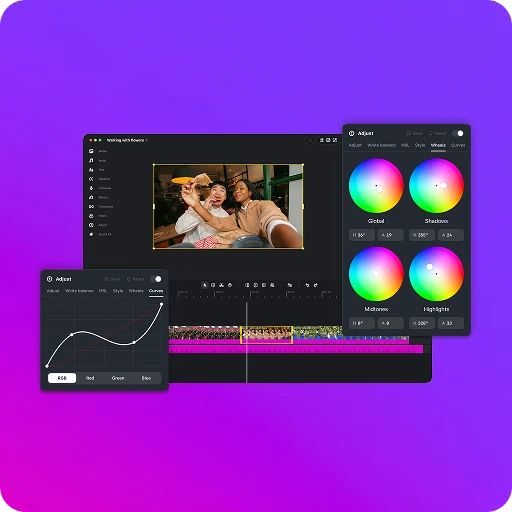
Instagram published the first desktop version of Edits on November 5, 2026, and its video editor now runs on macOS. The download is free, exports in 4K without a watermark, and carries one sentence that matters more than the rest of the post: AI agents can be connected to the editor through MCP. The announcement is on the Edits blog, signed by Brett Westervelt, who leads the app.
What was actually released
Instagram frames the release around one complaint: a project that outgrows a phone, a dozen clips, a cut that has to land on a beat. The post presents it as a first version, not a finished product.
The timeline is multi-track, with keyframes for transitions, audio waveforms for beat-accurate cuts, and color wheels, log conversions and curves for grading. Creators can import their own LUTs and font files, and set keyboard shortcuts to whatever they already use. Instagram’s licensed audio libraries come with the app, along with hundreds of effects and unlimited automatic captions in multiple languages. Text and audio styles saved on mobile are already waiting on desktop.
Publishing is the second half of the pitch: the app posts to Instagram with tagging, location and trial reels.
What the free download includes
- A multi-track timeline with keyframes, color wheels and curves.
- Instagram’s licensed audio libraries, hundreds of effects, unlimited captions.
- 4K export with no watermark, and direct publishing to Instagram.
- One sentence on MCP, the only agent feature in the post.
The requirements sit on the desktop page rather than in the post, and they decide who can use this. The app needs macOS and a Mac with Apple silicon, M1 or later, plus an Instagram sign-in. There is no Windows build, and a 2019 Intel MacBook is excluded.
What the claim rests on
Two numbers and one capability carry this release, and none is documented the way a buyer would want.
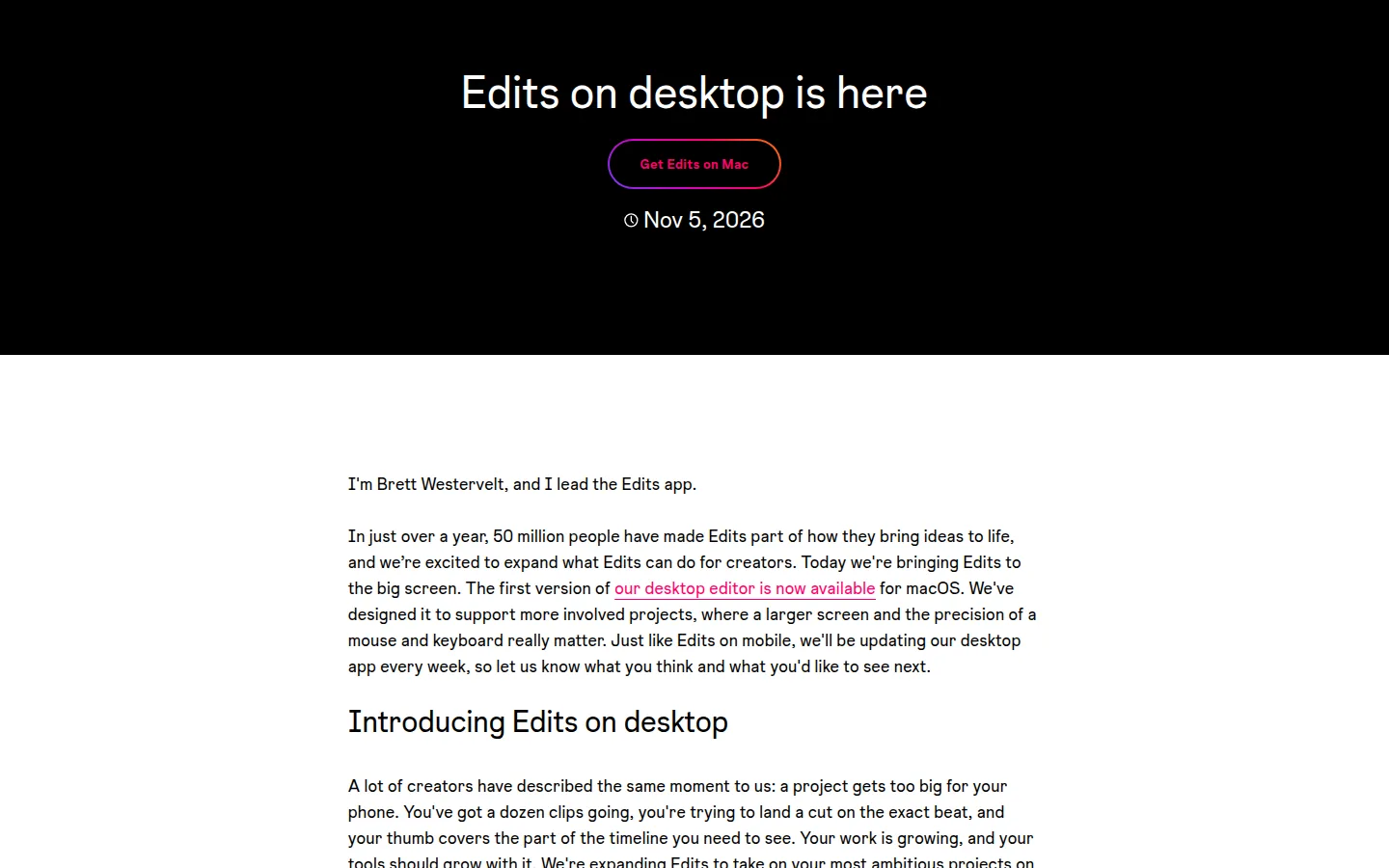
The 50 million figure opens the post: in just over a year, 50 million people have made Edits part of how they bring ideas to life. It comes from the person who runs the product, in a product blog, with no period, no definition of what counts as a person and no outside measure. A download, an account and a monthly user are three different numbers, and that sentence fits all three.
Your work is growing, and your tools should grow with it.
The 4K claim is stated twice, on the blog and on the desktop page, and it is the most checkable thing here. What the post leaves out is the codec, the bit rate and the frame rates. 4K with no watermark is a promise a buyer can verify in ten minutes, and the first thing to verify.
The MCP line is the one that sounds like the future and proves the least: one sentence, no client named, no documentation linked, no list of what an agent can reach on a timeline. The only other mention of AI in the post is automatic captions, a feature of the editor rather than a claim about agents.
| Claim in the post | What the post documents | What is not published |
|---|---|---|
| 50 million people use Edits | one sentence, from the product lead | the period, the definition of a user, any outside measure |
| 4K export, no watermark | stated on the blog and on the desktop page | codec, bit rate, frame rates |
| Weekly desktop updates | a stated cadence, no changelog | what each update contains, whether project files stay compatible |
| AI agents over MCP | one sentence, no client named | the server, the tool list, what an agent may change |
| Free | free to download, stated on the desktop page | any commitment about future pricing |
What the post does not publish
No price, no export limit and no trial condition is at stake, because the app is free. What is missing is technical: the MCP endpoint, the list of actions an agent can take on a project, and a changelog for the weekly updates. We found no MCP documentation page linked from the post or from the desktop page.
One item is also announced and not shipped: editing the same project across desktop and mobile, described as work in progress, with no date.
On this page
What it changes for creators who pay for an editor
Video editors are not scarce, and a free one is not news by itself. What changes is the export line: resolution and export limits are where free tiers usually stop, and this one offers 4K without a watermark at no cost. For a creator paying a basic plan mostly to get a clean export, the reason to keep paying got thinner.
Switching is another matter. An editor is a habit, and project files do not travel between apps. The realistic use is the one the post describes: finishing one ambitious project on a bigger screen, then publishing to Instagram without the phone in the middle.
Three gates decide whether this is available to you.
- Hardware. Apple silicon, M1 or later. Nothing for Intel Macs, nothing for Windows.
- Account. Signing in with Instagram is required, and the page says it keeps your projects with you. For a team that shares work, that is a question rather than a feature.
- Cadence. Weekly updates on a first version mean the interface and the shortcuts can move under a routine built last month.
The MCP sentence is the opening for anyone working on agentic video, and today it is only an opening: Instagram has documented nothing to point an agent at. Teams that already chain tools for repurposing, as in our guide to turning a long video into shorts, should read this as a slot to watch. Our video tools hub lists the ones we have tested.
The Neural Minute take
The editor is not the interesting part. The MCP line is what is worth watching, because a free mainstream editor saying an agent can be pointed at a desktop video project lowers the cost of testing an agentic video workflow from a seat on a paid tool to a download and a sign-in.
We would still not call this an agentic workflow. Three conditions have to hold, and only the first one does: the app is free, the hardware gate is real, and the documentation is absent. A claim that an agent can help with your projects is not a result; a recorded cut that plays back is.
That is the test we run on every tool page, and why this release gets a note rather than a score. What we would need: a documented MCP server, the actions it exposes, and one checked run where the output is played back against the source clips. If that lands, it becomes the cheapest way for someone already on a Mac to put an agent inside a real project.
Two things to watch over the next month: whether the weekly cadence produces a changelog a buyer can follow, since an undocumented app that changes weekly is hard to build on, and whether cross-device projects arrive, because work that stays on one machine is what keeps a creator inside one paid ecosystem.
Sources
- Instagram, Edits on Desktop: Free Video Editing on Mac, published November 5, 2026. The announcing post, signed by Brett Westervelt.
- Instagram, Edits for desktop, read on November 6, 2026. System requirements, the free download and the no-watermark export.
- We found no post on Meta’s main newsroom about this release. The announcement lives on the Edits blog, and that is what this article rests on.