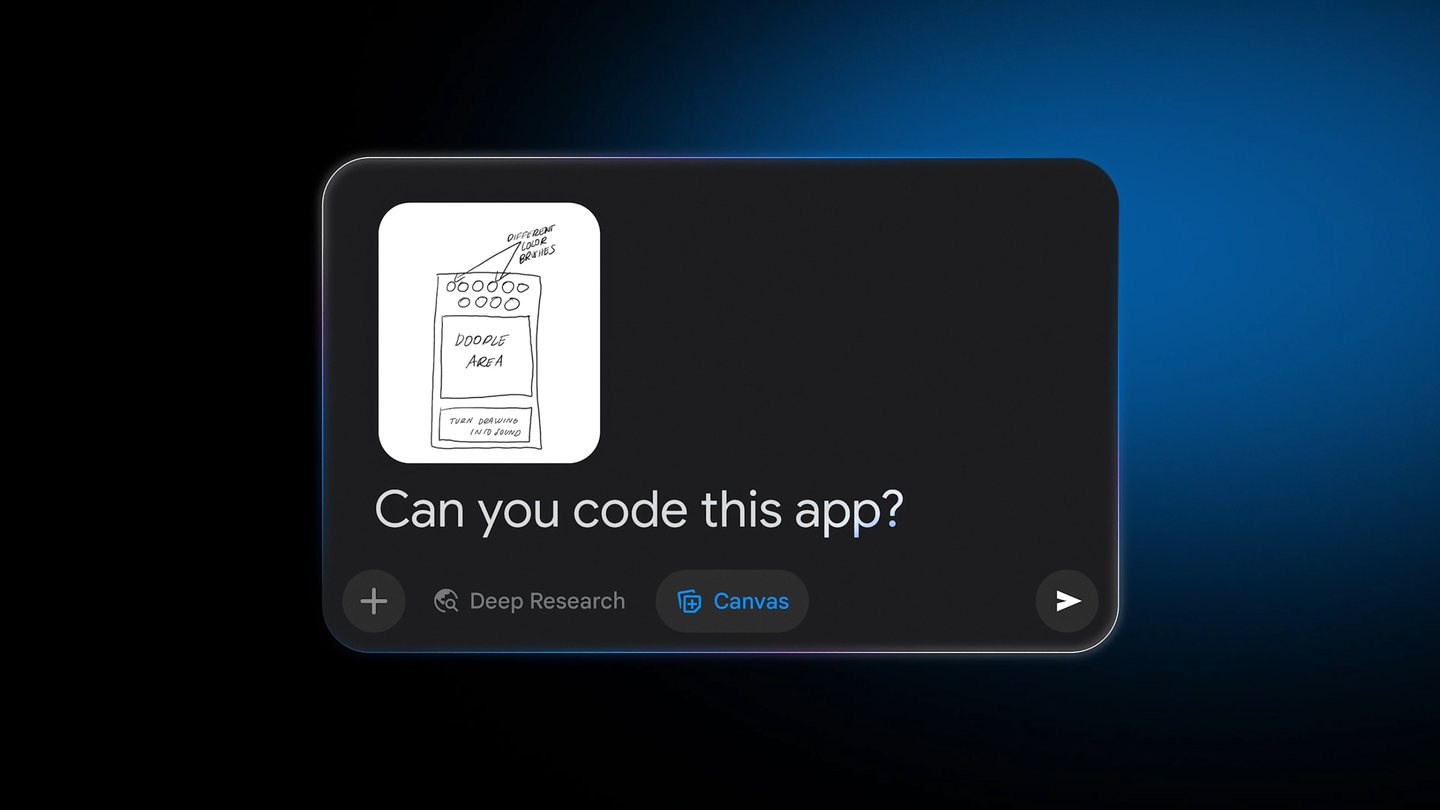
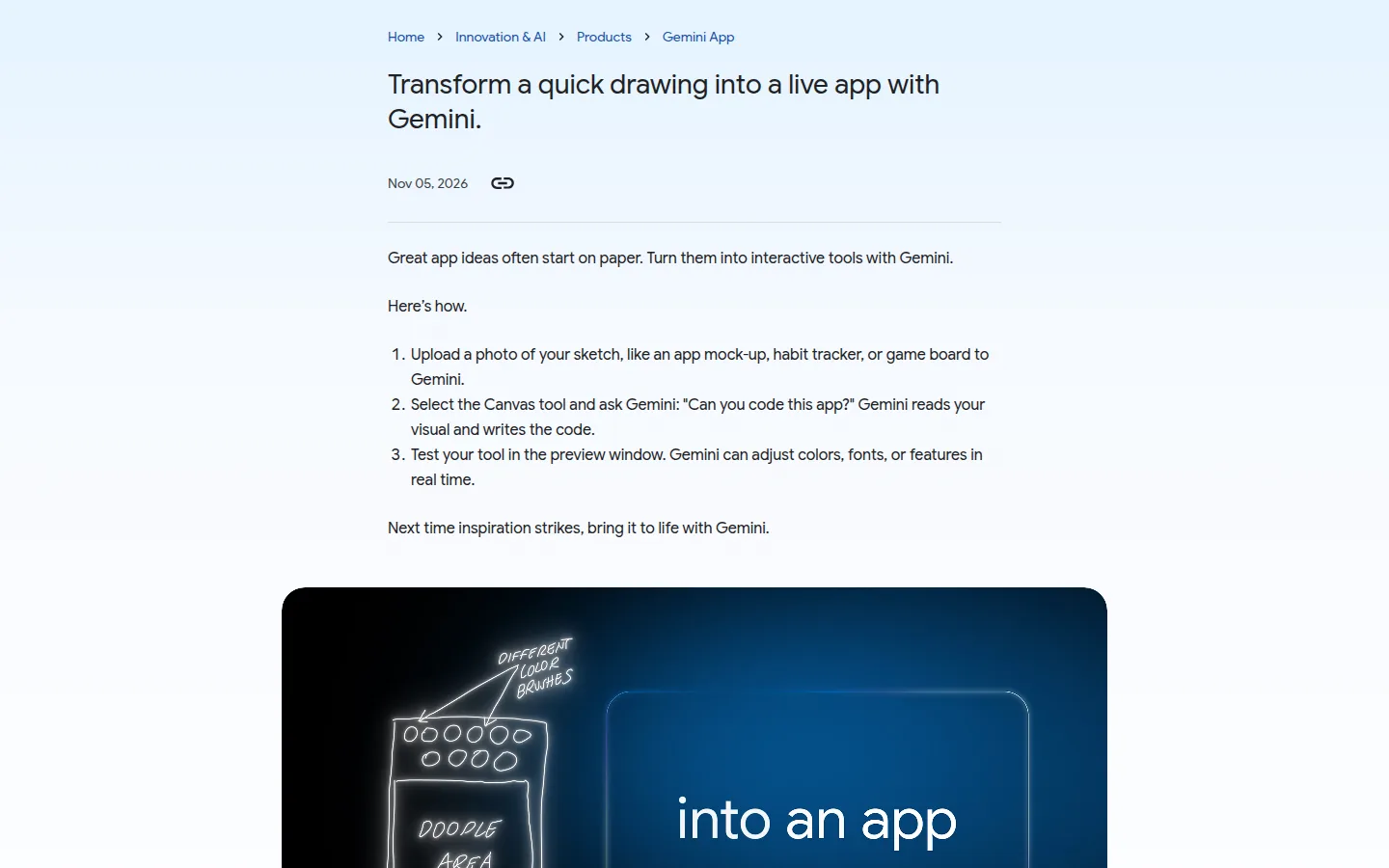
Google published a four-step guide on November 5, 2026 that treats a paper sketch as the input to a coding session: photograph the drawing, open the Canvas tool inside the Gemini app, ask Gemini to code it, then refine what appears in the preview. Google frames it as the shortest path from an idea on paper to something you can click. The post is four steps long, and that length is the story: what Google chose to publish here is the happy path.
What was actually released
Nothing new was released. No model version is announced, no release note is linked, and no pricing change is attached. The page sits under Innovation and AI, then Products, then Gemini App, and it reads as documentation for a capability the product already has. The model that writes the code is not named.
What the page does commit to is a workflow, and it is worth writing out as published.
The four steps Google publishes
- Photograph a sketch such as an app mock-up, a habit tracker or a game board, and upload it to Gemini.
- Select the Canvas tool and ask Gemini to code the app.
- Test the result in the preview window.
- Ask Gemini to adjust colors, fonts or features, in real time.
Two of the four steps are about the preview, not generation. A generated screen is easy to produce and easy to get wrong, and the only way to catch a wrong one is to run it. Google puts that loop at the center of the how-to, and leaves out the moment a prototype stops being a prototype.
What the claim rests on
The claim is that Gemini reads a drawing and writes code that runs. It is plausible, it matches how Canvas has handled prompt-built interfaces, and it probably holds for small tools. What the page offers as evidence is a description, not a measurement.
There is no benchmark, no success rate, no count of turns to something usable, and no example of a sketch that failed. No model is named, so a reader cannot tell whether the sketch is handled by the model that answers a chat prompt or by another one behind the Canvas surface. There is no statement about export: where the code goes, in what format, and whether it can leave the app at all. And nothing on what happens when a drawing is ambiguous, which is the usual case for a sketch made in under a minute.
A four-step how-to exists to make the first attempt feel close, not to help anyone plan a build.
Gemini reads your visual and writes the code.
What the page does not say
Which model runs the code generation, which plans can use the flow, what the export path is, what the usage limit is per sketch, and what a failure looks like when the drawing is unclear. Nothing is said about where the code is stored, or for how long.
| The claim | What the page shows | What a buyer has to check |
|---|---|---|
| A photo of a sketch becomes an app | Four steps, no example output | Whether the first build runs without edits |
| The result can be refined | Colors, fonts and features in the preview | Whether the refine loop costs extra usage |
| Anyone can do it | No plan, region or limit stated | Which tier carries the feature and the cap |
On this page
What it changes for someone paying for an AI tool
The interesting number is the entry price, and Google answers it on its own subscriptions page, read on November 5, 2026. Canvas is listed among the Gemini app features on the free plan, next to image generation and Deep Research. If that listing holds for the sketch upload, the test costs nothing and the decision is about usage, not money.
| Plan | Price per month | Usage access stated by Google |
|---|---|---|
| Free | $0 | Baseline access, Canvas in the feature list |
| Google AI Plus | $4.99 | 2x the free usage access |
| Google AI Pro | $19.99 | 4x the free usage access, Gemini 4 Argon |
| Google AI Ultra | $99.99 | 5x AI Pro at $99.99, 20x at $199.99 |
The same page explains how the limit works, and this decides whether a sketch-to-app habit is cheap or annoying. Usage counts against a window: the limit refreshes every five hours until the weekly cap is reached, and extra AI credits can be bought to extend it. That structure rewards one sketch in the morning and one in the afternoon, and penalizes a three-hour session. The page gives no number of sketches per window, so the ceiling is learned by hitting it.
A second cost goes unmentioned. A photograph of a sketch carries layout. It does not carry the data model, the accounts, the payment flow or the rules for two people editing the same record. Those are what turn a preview into something you hand to another person, and each one is a separate conversation that spends usage.
The Neural Minute take
Sketch to app is a good demo and a thin promise. The demo works because a hand-drawn mock-up is an unusually clean input: boxes, labels and an obvious hierarchy, which a model that reads images and writes components can reproduce in a few hundred lines. It is the most flattering possible test for a coding assistant, because the hard part of software was never the arrangement of a screen.
The hard part is everything after. Our Google AI Studio review covers the surface where that after happens, and the numbers there are less friendly than a free Canvas session. The workbench is free and the free tier carries tokens, but on the unpaid services Google states that content is used to improve its products and that human reviewers may read prompts and responses. Gemini 4 Argon, the flagship, is not on the free tier at all. Two price increases are already dated: Argon doubles on December 1, 2026, and Gemini 3.8 Flash doubles on January 1, 2027. On a new billing account, spend limits start at $10 per ten minutes.
Read together, the two pages describe a funnel Google has not labeled as one. The sketch goes in where the price is zero and the terms are loose. The app with users, a database and something to protect has to move to the API, where the meter is per token and the data terms are ones a business can sign. Whatever the sketch produces is a prototype, not a deployable app, and the distance between the two is where the bill appears.
None of that is a criticism of the feature. Sketching an app moves the argument about what to build from a meeting into a running window, and that argument is cheapest before anyone writes a spec. Use it to kill bad ideas in an afternoon, not to estimate a build.
One rule follows. Before you spend an hour refining a sketch in Canvas, decide where the code will live. If the answer is nowhere, this is a mock-up, refine freely. If the answer is a repository, ask for the export in the first ten minutes, because a preview that cannot leave the window is a demo with extra steps. Ask for the export before the polish.
Sources
- Turn sketches into apps with Gemini, Google, published November 5, 2026.
- Google AI plans and subscriptions, gemini.google/subscriptions, read on November 5, 2026, where the plan prices and the five-hour window come from.
- Google AI Studio review, Neural Minute, prices checked November 3, 2026.