What you need before you start
- One long video. The company states that Klap accepts file uploads up to 4 hours long and supports MP4, MOV, AVI, MKV, WMV, and FLV.
- Or a URL. The company lists direct import from YouTube, Vimeo, Twitch, Google Drive, Facebook, Dailymotion, Zoom, Loom, and Riverside.
- The platforms you post to. The company describes output at 9:16 vertical for TikTok, Instagram Reels, and YouTube Shorts.
- A decision on how clips get chosen. You can let the AI pick the moments, or you can direct it with a plain English prompt.
- Connected social accounts if you want to publish from Klap. The company states that you connect YouTube, Instagram, and TikTok to publish, and that a built in calendar handles scheduling.
- A note on cost. The company states that credits scale with video length, so a 4 hour stream is not the same job as a 30 minute interview.
How the job is done with Klap
The company describes a three step flow, and it is worth following in that order.
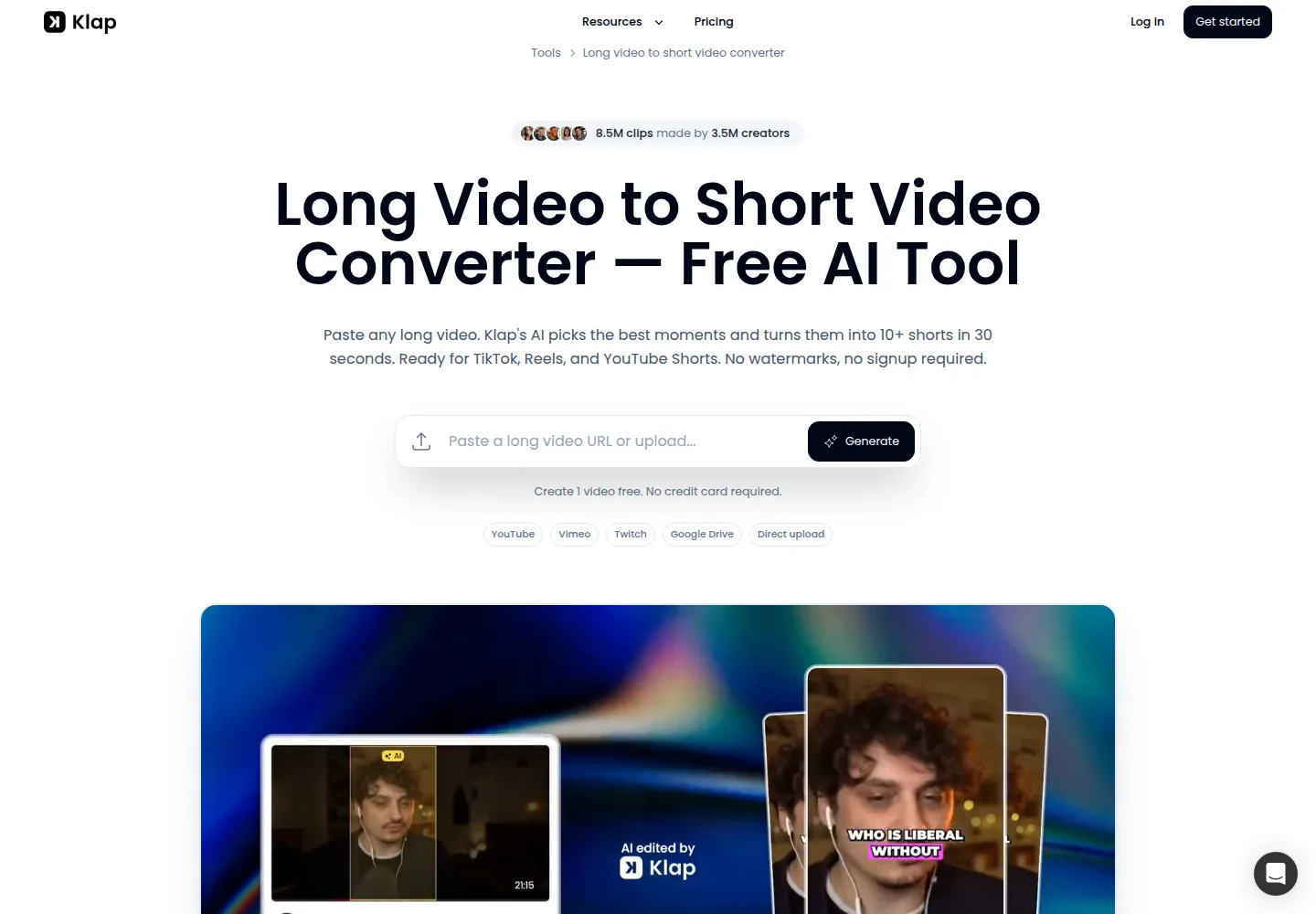
- Paste a link or upload the video. The company states that the converter pulls a YouTube video directly, so no separate download step is needed, and that the same flow works for the other listed sources.
- Let the AI generate the clips. The company states that the AI scans the full video for hooks, punchlines, emotional peaks, and quotable lines, then extracts clips, reframes them to 9:16, adds captions, and assigns each clip a Virality Score from 0 to 100. The company describes the scan as taking about 30 seconds. That figure is the company’s claim, and we cannot confirm it.
- Download or publish. The company states that you can export individual clips, batch export the whole set, or publish straight to TikTok, Reels, and Shorts, and that the calendar lets you schedule ahead.
If the AI picks the wrong moment, the company describes two fixes. You can write a plain English prompt to pull specific moments, or you can edit the transcript: highlight a sentence to keep it and strike one to remove it, and the company states that the video updates.
The reframing step is described as AI Reframe 2, which the company says detects content zones such as a webcam overlay, a gameplay backdrop, or a screen recording, and focuses on the active speaker face or the saliency point.
On this page
What to check in the result
- Clip boundaries. Check that each clip starts and ends on a complete thought. Mid sentence cuts are the first thing to fix in the transcript editor.
- The Virality Score. Treat it as a ranking signal, not a promise. The company states that it scores hook strength, pacing, retention signals, and topic relevance.
- Captions. The company claims 98 percent accuracy and animated keyword highlights. Check names, acronyms, and jargon by hand.
- Framing. Watch for cut faces, drifting speakers, and cropped screen content, especially on footage that is already vertical.
- Audio. Confirm that music and speech sit at a usable level and that no clip distorts.
- Branding. The company states that Klap adds no watermarks, even on the free plan, and that this applies to every clip you export. Confirm it on your own download.
- The clip count. Compare the number of clips you get with the quota on your plan before you queue a second long video.
Where it usually goes wrong
- A clip starts mid sentence or mid thought. The transcript editor is the fix. Strike the fragment and the video updates.
- Captions mishear a name or a product. Fix the word in the transcript, because the caption track follows it.
- The reframe crops the wrong thing. The company describes AI Reframe 2 as content aware, but unusual layouts, split screens, or heavy on screen text are where auto framing is most likely to need a manual check.
- Credits run out faster than expected on long files. The company states that credits scale with video length, so a 4 hour webinar costs more than a short interview.
- Publishing fails. The company requires connected YouTube, Instagram, and TikTok accounts to publish from Klap, so set those up before the final step.
What the plan allows
The pricing page describes three tiers and one rule: the company states that you only pay for the clips you generate.
- Basic: 100 clips per month at US$14 per month.
- Pro: 300 clips per month at US$39 per month.
- Pro+: 1,000 clips per month at US$94 per month.
- All three tiers are shown with unlimited social accounts.
Read the price carefully. The same page shows a Monthly tab and a Yearly tab with a Save 50 percent label, and the listed figures of US$14, US$39, and US$94 per month sit under billed yearly. Treat them as yearly billing rates, not as the monthly billing price, until you check the Monthly tab yourself.
What we did not do
We have not used Klap. The steps above follow the company’s own tool pages, the long video to short video converter page and the AI clip maker page, both read on October 3, 2026. We did not upload a video, generate a clip, edit a transcript, or publish anything. We did not verify the Virality Score, the reframing quality, the caption accuracy figure, or the processing time. Every performance number in this guide is the company’s claim, quoted as such.
Sources
- https://klap.app/tools/long-video-to-short-video-converter (read October 3, 2026)
- https://klap.app/tools/ai-clip-maker (read October 3, 2026)
- https://klap.app/pricing (read October 3, 2026)
Update log
- October 3, 2026: first version, built from the company’s public documentation.