What you need before you start
- The lecture material in a format Mindgrasp accepts. The lecture note taker page lists audio recordings in MP3, WAV, and M4A, video files in MP4, MOV, and WebM, YouTube links, lecture slides in PPTX and PDF, and text based materials. The flashcard page adds images and lecture handouts.
- A clean recording if your source is audio. Card quality follows transcript quality, so a quiet room and one main speaker help.
- A subject or lecture scope. Decide whether you want cards for the whole lecture or for one topic inside it.
- An account. The company’s pages point to a free trial signup, and the flashcard page asks you to create a free account before generating cards.
- A second device if you study on the move. The company states that flashcards sync across desktop, mobile, and the Chrome extension.
How the job is done with Mindgrasp
The company describes one chain: upload your study content, Mindgrasp builds the flashcards, you test, review, and retain.
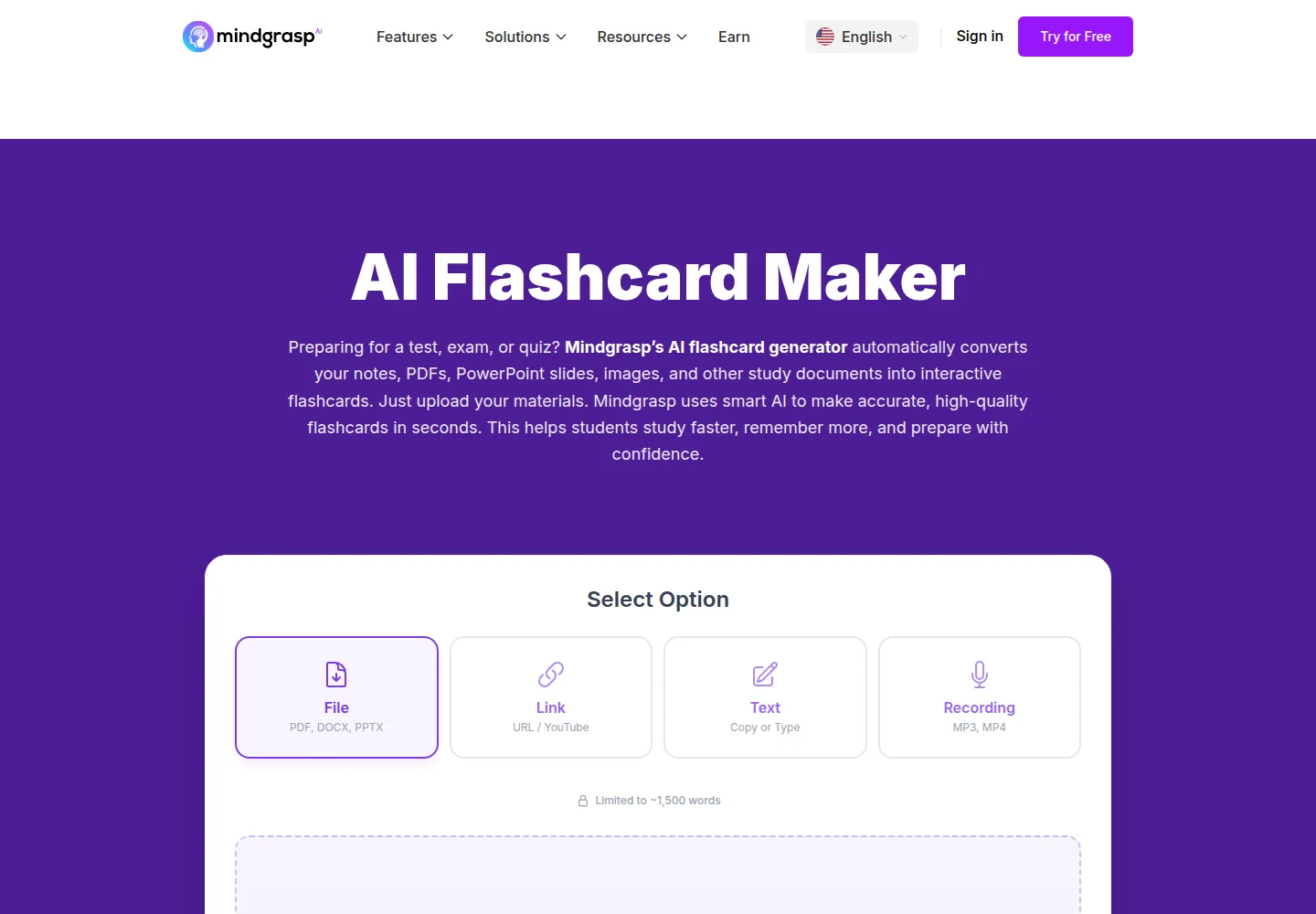
- Get the lecture into Mindgrasp. You can upload a recording, paste a YouTube link, upload slides or a transcript, or capture the lecture live. The company states that the iOS app can record lectures and that the Chrome extension can pull content from Canvas and Blackboard.
- Let Mindgrasp build the notes first. The lecture summarizer and the lecture note taker process the full lecture and pull out key topics, definitions, examples, and takeaways.
- Generate the flashcards from the same material. The flashcard page states that uploads go through the AI, which creates the cards, including both the questions and the answers, with no manual entry.
- Review the deck. The company states that you review the cards inside Mindgrasp, practice at your own pace, and can rearrange cards.
- Switch to test mode. The same page states that Mindgrasp quizzes you on the material, tracks your understanding, and returns feedback.
The company positions flashcards, quizzes, and a tutor as outputs of the same lecture, so the notes step and the cards step do not require a second upload if you keep them in one project.
On this page
What to check in the result
- Coverage. The company states that cards are built from your coursework and not from a generic deck, so the first check is whether the cards reference your lecture, your readings, and your examples.
- Both sides of each card. The flashcard page states that the questions and the answers are generated, so read a sample of answers and confirm they are right, not only plausible.
- Definitions and vocabulary. The company states that each card highlights important vocabulary, core ideas, definitions, and supporting examples. Check that the definitions match the lecture rather than a general dictionary.
- Exam relevance. The company describes active recall as the design goal. Check that the deck covers the material an exam would test, not only the opening slides.
- The number of cards. A dense lecture and a single topic produce very different decks. If the deck is thin, narrow the scope and regenerate instead of accepting a partial set.
- Test mode. The company states that Mindgrasp quizzes you and tracks your understanding. Run a full pass, note the cards you keep failing, then edit or drop them.
- Sync across devices. The company states that cards sync across desktop, mobile, and the Chrome extension. Confirm the deck opens on a second device if you plan to study on the move.
Where it usually goes wrong
- Weak audio in, weak cards out. The company describes advanced speech recognition, but a noisy recording or a heavy accent still feeds errors into the transcript and then into the cards.
- Dense slides with no audio. The company states that the tool reads slide content and expands it into notes. That expansion is where invented detail is most likely, so read those cards closely.
- Multiple speakers. The company lists guest lectures, seminars, and panel discussions as supported, but several voices on one recording make topic separation harder.
- Generic deck habits. The company argues against preloaded and crowd sourced decks. The same warning applies in reverse: skim the generated deck before you trust it as a complete study set.
- Long lectures. The company states that the tool handles lectures from 15 minutes to 3 hours. A 3 hour recording still deserves a topic by topic split so the deck stays focused.
What the plan allows
The company publishes no public price list for Mindgrasp. The pricing page is not available, and neither the homepage nor the sitemap shows a figure. No amount appears anywhere in this guide, and none should be assumed.
The homepage advertises a free session and a free trial. The tool pages describe a free trial signup link and, on some pages, free use without an account. Because no plan details are public, the real limits, including the number of uploads, the number of courses, or the size of a deck, have to be read inside the account after signup.
What we did not do
We have not used Mindgrasp. The steps above follow the company’s public pages, the flashcard maker page, the lecture summarizer page, the lecture note taker page, and the study tools page, all read on October 3, 2026. We did not open an account, upload a lecture, or generate a single card. We did not verify the accuracy of generated cards, the language support, or any performance claim. A click by click path is not included because the company’s pages describe the flow at a high level and we have not confirmed the interface names ourselves.
Sources
- https://www.mindgrasp.ai/flashcard-maker (read October 3, 2026)
- https://www.mindgrasp.ai/ai-summarizer/lecture (read October 3, 2026)
- https://www.mindgrasp.ai/note-taking/lecture (read October 3, 2026)
- https://www.mindgrasp.ai/ai-study-tools (read October 3, 2026)
Update log
- October 3, 2026: first version, built from the company’s public documentation.