What you need before you start
- A LinkedIn account you are allowed to run outreach from, with its login details or its app based two factor setup.
- Your company website address, so the setup scan can read your features, social proof, and language.
- A written ideal customer profile: job titles, industries, locations, company type, company size, and the people you want to exclude.
- The signals you care about: competitor engagement, profile visits, recent job changes, hiring activity, company followers, content engagement, and lookalike customers.
- A decision on the channel: LinkedIn only, or LinkedIn plus email.
- Payment details for the trial sign up. The company advertises a free trial and shows no permanent free plan.
How the job is done with Gojiberry AI
Gojiberry works through two agents. The Source Agent finds leads. The Outreach Agent, which is the campaign, contacts them. Set up both, or the leads are found and never contacted.
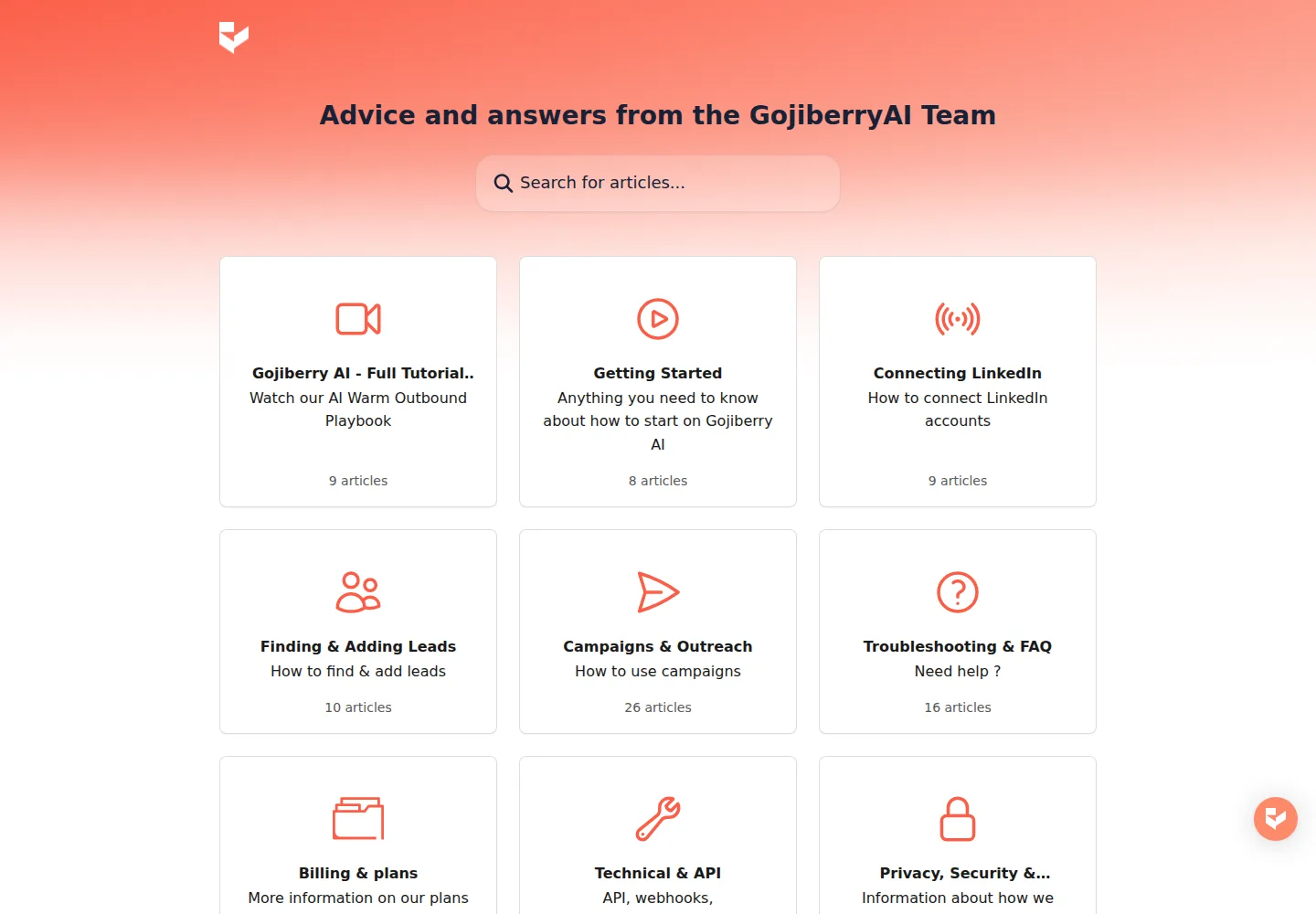
- Create the account. Go to gojiberry.ai and click Start for Free. Complete the sign up. On the setup page, enter your website URL and click Analyze. Gojiberry reads the site and proposes your key features, social proof, and preferred language. Review the result and click Next Step.
- Set up your first agent. Choose your outreach channel: Multi-Channel for LinkedIn plus email, or LinkedIn Only. Click Next Step.
- Connect LinkedIn. Click the LinkedIn connection button and authorize the account. You can also connect later from Settings, then LinkedIn Accounts, then Connect account. The company lists three methods: Credentials Login, Infinite Login, and Send connection email. Credentials Login asks for your LinkedIn email and password, and a verification code if LinkedIn sends one. Infinite Login needs app based two factor authentication on LinkedIn, not SMS. After the connection, review which actions Gojiberry may take: send connection requests, view profiles, send LinkedIn messages, and run campaigns. The company states that credentials are encrypted and that the password is not stored.
- Define the campaign goal and tone. Choose Start conversation with warm prospects or Book more demos. Choose Professional, Conversational, or Direct.
- Define your ideal customer profile. Gojiberry suggests job titles; add or remove roles. Set industries, location, company type, and company size. The company recommends selecting at least three industries.
- Set exclusions. Exclude service providers, freelancers, consultants, people marked Open to Work, and specific companies or keywords.
- Choose intent signals. Publisher examples: the top five percent most active profiles, recent job changes, companies that have raised funds, and companies currently hiring.
- Track keywords. Add the topics your buyers discuss. When someone posts, likes, or engages with these topics, the agent can flag them.
- Track competitors. Add competitor names to follow their audience.
- Preview and launch. Click Confirm and Preview Leads to see a sample of five matching leads. If they fit, click Launch My Agent. The Source Agent then runs several times per day, compares each contact against your ICP, and adds the matches as leads.
- Build outreach. Open the Campaigns tab and click Create Campaign. Name it, choose Signals or a List as the source, then stack the steps: a LinkedIn connection invite, a LinkedIn message, and a Send Email step. Review the sending limits and set sending hours and time zone. Set the status to Live.
When you remove a lead from a campaign, mark it out of scope, or delete it, you teach the system what to exclude.
On this page
What to check in the result
- In the Leads tab, each contact lists the name, job title, company, the signal that triggered the discovery, the AI lead score from one to three flames, enrichment data such as an email address, and the import date. Every returned lead passed the ICP; the flames only rank priority.
- Open the Activity tab of the outreach agent and filter to lead discovery. Compare how many profiles were analyzed with how many leads were added. Many profiles and no leads means the filters are too tight.
- Confirm the LinkedIn account status shows Connected, and confirm the Source Agent is active.
- In Settings, then Account settings, then Senders Accounts, check your limits and schedule.
Where it usually goes wrong
- A blank inbox is often a setup problem, not a fault. Check that LinkedIn is connected, that at least one signal is active, and that the ICP is not too narrow. Mandatory keywords are the strictest filter, because a lead must contain at least one of them.
- A new Source Agent does not scan every signal at once. If it was created less than three days ago, the company recommends waiting before changing settings.
- The agent finds leads but nobody is contacted: the campaign was never created, or no lead source was connected to it.
- Messages sound generic. The workspace description drives personalization, so fill in your company, offer, and pain points, or use AI Templates and fixed messages.
- LinkedIn risk. The company lists velocity spikes, a connection acceptance rate that stays very low, a large backlog of unaccepted invitations, actions fired on a perfectly repetitive timer, and copy paste templates as patterns that get flagged. Limits are shared across every agent on one LinkedIn account.
- If your need is only LinkedIn sequence automation, tools such as Valley, HeyReach, or Expandi sit in the same space. Gojiberry positions itself as a wider signal based outbound agent.
What the plan allows
- PRO, 99 dollars per month: 2 AI agents prospecting 24/7, up to 1,800 prospects contacted per month, warm leads sourced automatically from signals and lookalikes, a unified inbox, smart lead scoring, AI Copilot mode, email waterfall enrichment across 15 or more data providers, CRM, API, and MCP integrations such as HubSpot, Pipedrive, and Claude, and live chat support.
- CUSTOM, priced on request: for sales teams of five or more and for outbound agencies. It includes everything in Pro plus a custom number of agents, a custom number of prospects contacted per month, more senders across all channels, a dedicated customer success manager, deep and custom integrations, and admin access.
- A free trial is advertised. No permanent free plan is shown. The length of the trial and the CUSTOM price are not published on the pages read for this guide.
What we did not do
We have not used Gojiberry AI. No account was created, no LinkedIn account was connected, no campaign was launched, and no lead was reviewed. Every step above comes from the company’s help center, read on 3 October 2026, not from a hands on test. We did not test the three LinkedIn connection methods, we did not confirm how many leads the Source Agent returns in a day, and we did not check message quality or reply rates. Treat the interface labels as the company’s own names as of that date.
Sources
- help.gojiberry.ai article Your First 30 Minutes with Gojiberry, quick start guide, read 3 October 2026.
- help.gojiberry.ai article How Agents Work, read 3 October 2026.
- help.gojiberry.ai article How Your AI Agent Finds Leads Automatically, read 3 October 2026.
- help.gojiberry.ai article How to Define Your Ideal Customer Profile ICP, read 3 October 2026.
- help.gojiberry.ai article What Is an ICP and Signal, read 3 October 2026.
- help.gojiberry.ai article How to Create a Campaign, read 3 October 2026.
- help.gojiberry.ai article How to Connect Your LinkedIn Account Step by Step, read 3 October 2026.
- help.gojiberry.ai article Safety Limits on LinkedIn, read 3 October 2026.
- help.gojiberry.ai article How to Review and Qualify Your First Leads in Gojiberry, read 3 October 2026.
- help.gojiberry.ai articles I Do Not See Any Leads and Why Am I Not Getting Enough Leads, read 3 October 2026.
- gojiberry.ai home page pricing section at https://gojiberry.ai, read 3 October 2026.
Update log
- 3 October 2026: first version. Steps and labels built from the Gojiberry help center. No hands on test.