What you need before you start
Emergent turns a written brief into a full stack app. You work in a browser, with no code editor, no terminal and no hosting setup. Prepare four things before you open it.
First, one line on the problem and one line on who the app is for. The company’s prompting guide asks you to start with the why and the who, then list two or three core features, not ten.
Second, a short list of what version one will not include. Logins, file uploads and email notifications are the usual things to postpone.
Third, the credentials for any outside service the app will touch, such as payments, email or an AI model. The platform can also supply model access through its own key, which avoids managing separate provider keys.
Fourth, a decision on platform, web or mobile, because the worker asks before it starts.
An account is required. The company lists a Free plan at no charge with 10 free monthly credits, a Standard plan at $20 per month with 100 credits per month, and a Pro plan at $200 per month with 750 monthly credits. Annual billing brings Standard to $17 per month and Pro to $167 per month.
How the job is done with Emergent
The order below follows the company’s own guides.
Sign in at emergent.sh. The home screen carries a prompt bar.
Write the first prompt around the business logic and how the app will be used, not the tech stack. Say what it does, who uses it, and which two or three things it must do first.
Choose a main agent in the agent selector. Emergent ships several, and the names in the documentation do not fully agree: the page Your First App lists E-1, E-1.1, E-1.5, E-2, Prototype and Mobile, while a later Emergent tutorial lists E-1, E-2, E-3 and Cross Platform. Read the labels in the selector itself rather than trusting a name from a guide, and pick the one whose description matches your job.
The agent opens its own planning round before it writes code. Expect questions about which model key to use, whether you need logins, the design framework and colors, and whether to start building. Answer them, and ask the agent to explain any term you do not know instead of guessing.
The build then runs in phases. The agent reports each phase as it completes, and you can keep asking questions while it works without stopping it.
Test the result in Preview, which opens a temporary link to the running app. Improve it by describing specific edits in chat, one topic at a time.
Before you deploy, run the pre-deployment health check. It is an automated code review that scans the codebase and returns one of three verdicts: all green, warnings found, or deployment blockers found. Fix the blockers and run the check again.
Deploy once the check passes. The pipeline runs through environment setup, build, database migration, secrets, publish and a final health check, then returns a public URL. Custom domains are configured after the app is live.
On this page
What to check in the result
Click every button, link and call to action. Find the dead ends before a user does.
Enter data, refresh the page, and confirm the data is still there. Data that saves but does not reload is a broken app, not a design detail.
Resize the window and open the app on a phone. The company’s testing checklist asks for exactly this.
Compare preview behavior with deployed behavior. They are separate environments with separate databases, so anything you typed during preview does not automatically appear in the live app.
Read the health check verdict instead of skipping straight to deploy.
After deploy, confirm the environment variables and API keys. Secrets set for preview are not carried into production on their own.
Where it usually goes wrong
The failures below are the ones the company documents.
Asking for too much in one prompt. The prompting guide contrasts a short focused brief with a long feature list, and recommends building one pillar before the next.
Mixing fixes with new features in the same message, and stopping the agent mid build to add instructions.
Vague follow ups. “Make it better” gives the agent no direction. List the specific changes you want.
Missing API keys or environment variables. The app deploys, then features fail with errors about missing keys.
Database connection problems, where the app starts but data does not load or save.
Credits running out mid build, which leaves the app unfinished.
Design inconsistencies between screens, which the documentation covers under its own heading.
What the plan allows
The pricing page lists these tiers.
Free: no charge, 10 free monthly credits. Standard: $20 per month, 100 credits per month, with extra credits available to purchase. Annual billing is $17 per month, a saving of $36. Pro: $200 per month, 750 monthly credits, and custom AI agents. Annual billing is $167 per month, a saving of $396. Business and Enterprise: custom pricing, with shared team workspaces, user level credit limits and other features.
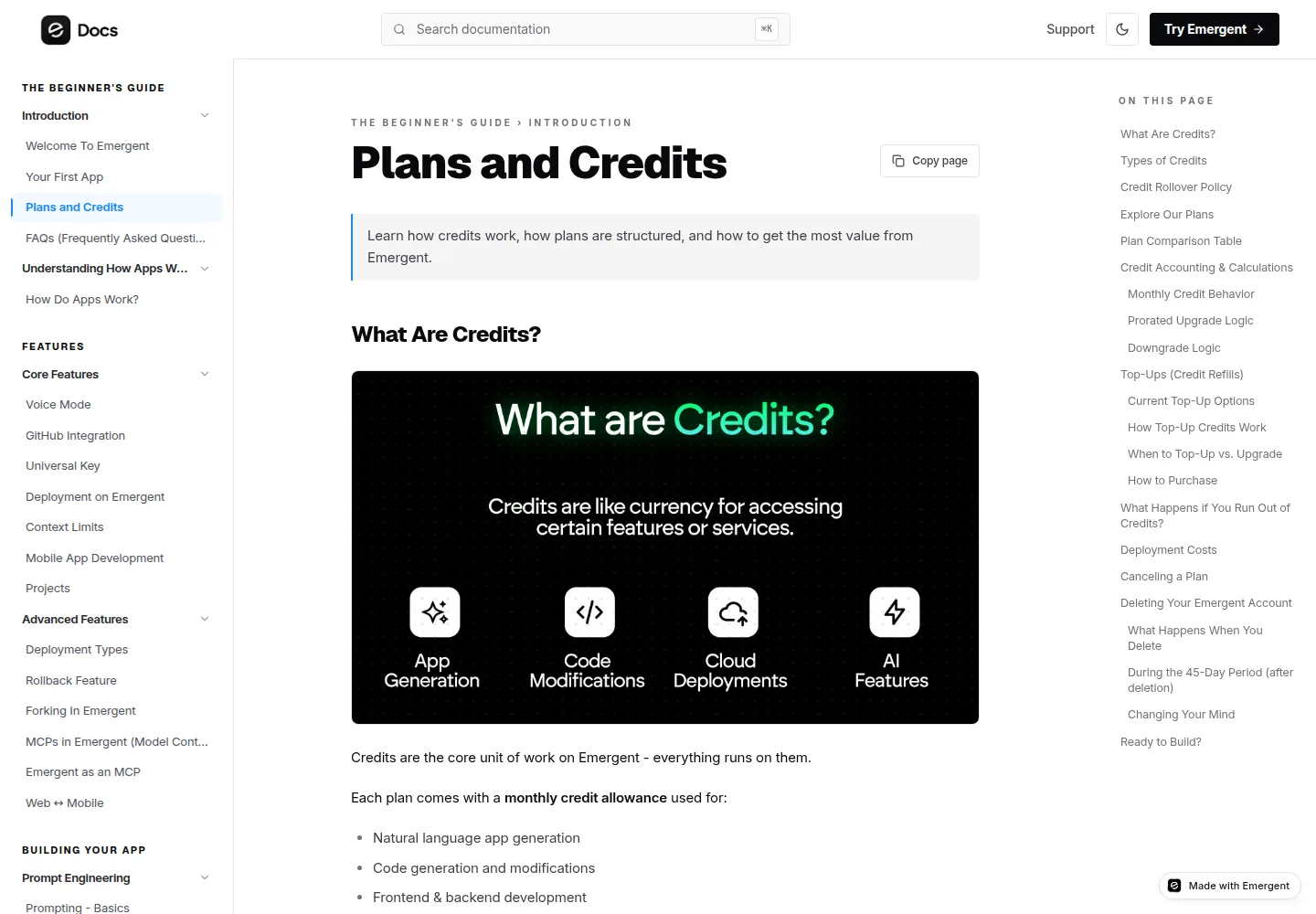
Everything on the platform runs on credits, including app generation, code changes, testing and deployment. If the balance reaches zero, work pauses until the next cycle or a credit top up.
What we did not do
Nobody on this site has built an app on Emergent. We did not create an account, run a build or deploy anything, and we did not sit in front of the interface.
Every step above is taken from the company’s own documentation, listed in Sources. We did not photograph or describe the screens, and we left out build times and step timings, because we did not measure them. Where the documentation disagrees with itself, as it does on the agent names, we say so instead of picking one version.
Treat this as an order of operations and a checklist. It is not a record of a run.
Sources
Read on October 3, 2026.
Your First App, https://help.emergent.sh/first-app, publisher update date May 13, 2026. Prompting Basics, https://help.emergent.sh/prompting-basics, publisher update date January 22, 2026. Main Agents in Emergent, https://help.emergent.sh/main-agents-in-emergent, publisher update date January 22, 2026. Pre-Deployment Health Check, https://help.emergent.sh/pre-deployment-health-check, publisher update date January 21, 2026. Deployment on Emergent, https://help.emergent.sh/deployment-on-emergent, publisher update date January 22, 2026. Deployment Related Issues, https://help.emergent.sh/deployment-related-issues, publisher update date January 22, 2026. Plans and Credits, https://help.emergent.sh/plans-and-credits, publisher update date September 29, 2026. How to Build an App on Emergent With Emmy, https://emergent.sh/tutorials/how-to-build-an-app-with-emmy, last updated July 31, 2026. Pricing, https://emergent.sh/pricing, read October 3, 2026.
Update log
October 3, 2026: first version, built from the company documentation listed above. No hands on test has been done.